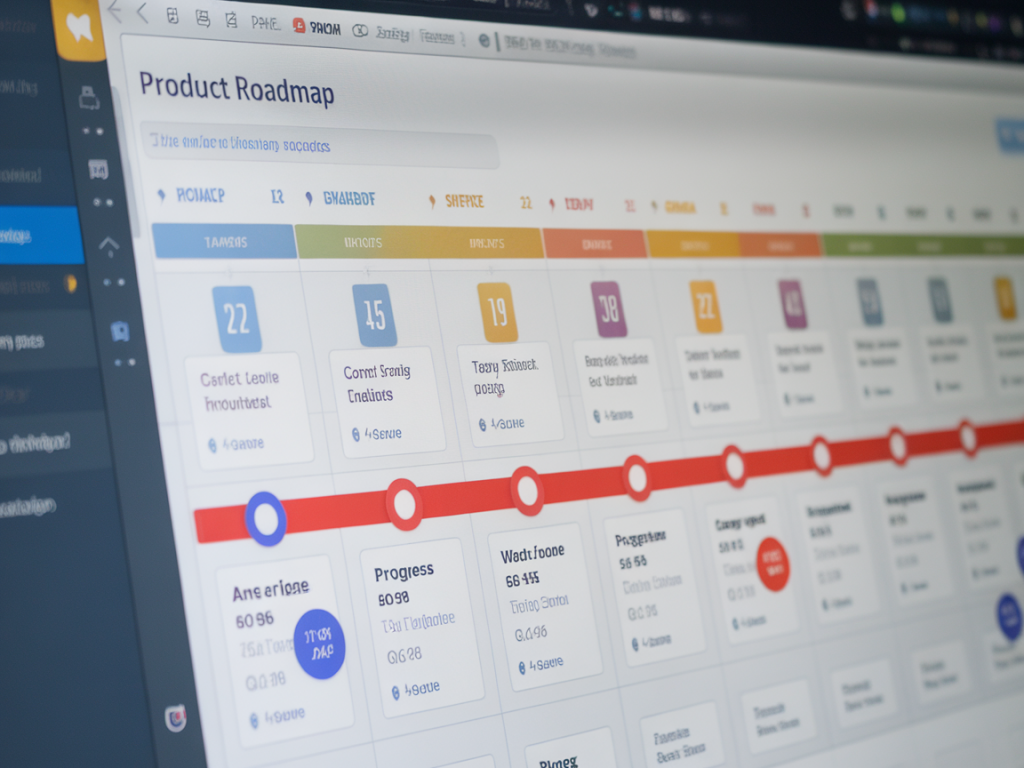
I often start new projects with a Notion page full of ideas: stray notes from a customer call, a screenshot I liked, a half-baked feature sketch. That pile of inspiration is valuable, but it’s not a roadmap. Turning scattered notes into a product roadmap means tracking a few specific things consistently so you can prioritise, communicate, and deliver. Below I’ll share the exact properties and views I use in Notion to make this shift—practical, no-fuss tracking that helps single founders and small teams ship with clarity.
What problem I’m solving
Notes are ephemeral. Roadmaps are commitments. The bridge between the two is structured metadata: who asked for this, why it matters, how big it is, and when we expect to ship. Without those fields, everything looks equally important and nothing gets done. My goal in Notion is simple: make it obvious what to work on next, why it wins, and what “done” looks like.
Core properties to track (and why)
These are the minimal fields I add to any Notion database that represents feature ideas, projects, or opportunities. I use them every week when grooming and planning.
- Title — short, descriptive. Prefer action-oriented names like “Improve onboarding completion flow.”
- Status — idea, discovery, backlog, in progress, blocked, shipped. Keeps reality transparent.
- Owner — who’s accountable. Even for solo founders, this could be “me” or a contractor’s name.
- Priority — A / B / C or High / Medium / Low. Simple, subjective, and useful when combined with impact/effort.
- Impact — numeric score (1–10) or categories (low/medium/high). Tie this to a hypothesis: what metric moves if we ship?
- Effort — T-shirt size (S/M/L) or estimated days. Helps with pacing and sprint planning.
- Confidence — percentage or low/medium/high. I learned the hard way: impact without confidence is risk.
- Expected Outcome / Metric — the one metric we expect to improve (e.g., onboarding completion +10%). Forces measurable thinking.
- Customer / Request Source — user, sales, analytics, competitor. Useful to trace origin and frequency of asks.
- Deadline / Milestone — release window or fixed date if time-sensitive.
- Tags / Area — onboarding, payments, performance, experiment. For filtering and cross-project views.
- Dependencies — linked relation to other rows. Essential when multiple features rely on shared work.
- Notes / Acceptance Criteria — short checklist or a link to the spec. Avoid long free-form pages here—link to a doc if needed.
How I structure the Notion database
I keep a single master database named “Product Backlog” and use views to turn it into lists for different stakeholders: roadmap (timeline), sprint board, discovery queue, and executive snapshot. A single source of truth avoids duplication and silos.
Typical views I create:
- Roadmap (Timeline) — groups by quarter or milestone, shows owner and status. Great for product reviews.
- Current Sprint (Board) — Kanban board filtered to “in progress” + “backlog” for the team.
- Discovery Queue — filtered to status=idea or discovery with a custom sort by confidence and impact.
- Executive Snapshot (Table) — high-level fields only: title, owner, status, impact, effort, deadline.
- Experiments — a filtered view for low-effort, high-learning activities with a short hypothesis field.
Scoring and prioritisation I actually use
I avoid complicated frameworks for small teams. My lightweight prioritisation is a simple Impact / Effort matrix with Confidence as a multiplier. Practically, I normalise scores 1–10:
- Priority score = (Impact * Confidence) / Effort
- Sort backlog by that score inside the Discovery and Backlog views.
This calculation helps highlight small, confident wins (low effort, high impact, high confidence) and surfaces risky bets (high impact but low confidence—these go to experiments first).
What I track for experiments
Experiments deserve their own fields so they don’t blandly sit in the backlog forever:
- Hypothesis — “If we X, then Y will change by Z.”
- Primary metric — what success looks like (e.g., CTR, conversion rate).
- Sample size / Duration — how long/what volume we need to decide.
- Result — pass/fail and a short note. I link to analytics dashboards (Mixpanel, GA4, or a simple spreadsheet).
How I connect notes to the roadmap
When I start with a free-form note or a meeting page, I create a relation property to the Product Backlog. Each idea becomes a row with the core properties prefilled as much as possible. Two tactics that save time:
- Templates — create page templates for “Feature Idea”, “Customer Request”, and “Experiment” with the right properties and a short acceptance checklist.
- Quick capture — use Notion’s mobile widget or a simple “Inbox” view where I dump ideas and process them during triage into the right status and owner.
Helpful Notion automations and integrations
I don’t rely heavily on automation, but a few small integrations make life easier:
- Zapier or Make to create backlog items from Typeform feature requests or Intercom conversations.
- Linking Google Analytics / Mixpanel dashboards inside Notion pages for quick reference.
- Notion reminders for deadlines and milestone check-ins.
Example property summary table
| Property | Type | Why it matters |
|---|---|---|
| Title | Text | Identifies the feature quickly |
| Status | Select | Shows progress and unblockers |
| Impact | Number | Helps prioritise for value |
| Effort | Select / Number | Predicts resource needs |
| Confidence | Number | Highlights risk and learning needs |
| Owner | Person | Ensures accountability |
| Deadline | Date | Conveys time-sensitivity |
| Dependencies | Relation | Prevents sequencing surprises |
How I use the roadmap in meetings
Before any planning or stakeholder meeting I switch to the Executive Snapshot and sort by priority score. I focus the conversation on three things: what we will do this sprint, what needs discovery, and any hard deadlines. Keeping the meeting to decisions rather than revisiting every idea prevents roadmap drift.
When stakeholders ask for a change, I update the origin/source and add a quick note—no endless email threads. If something is urgent, I change its status to backlog — urgent and add a deadline; if not, it follows the normal prioritisation cadence.
If you use tools like Jira or Linear for engineering sprints, I keep Notion as the strategic layer and link to tickets. That separation keeps Notion readable for product conversations while preserving engineering workflows.