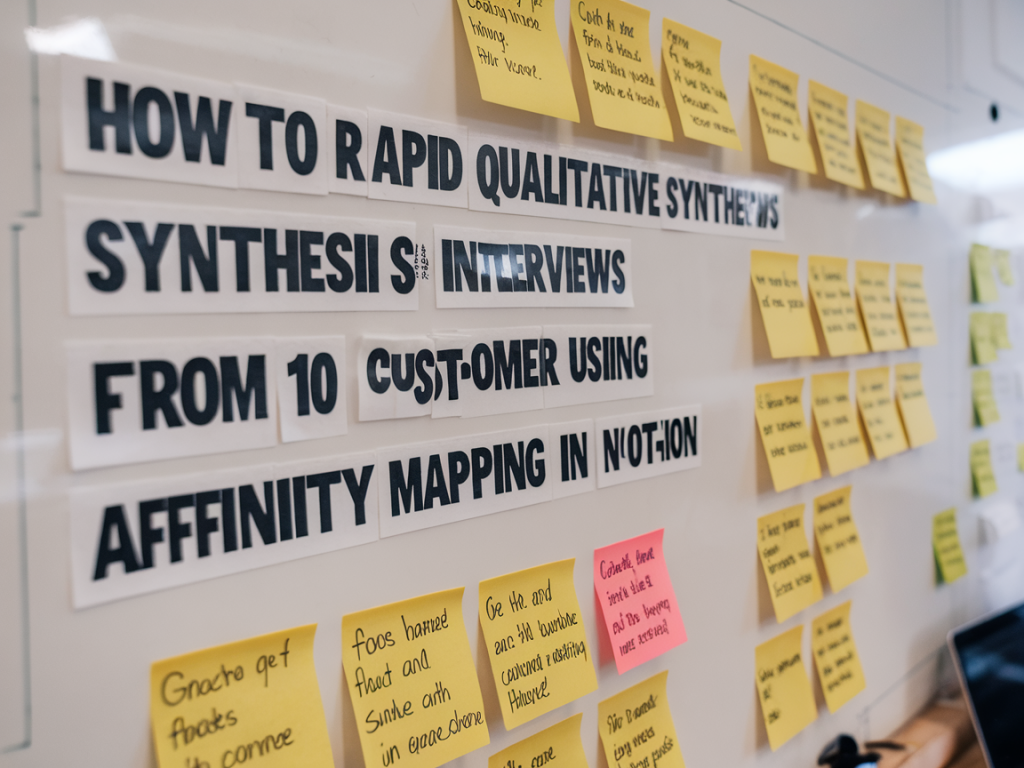
I recently needed to turn ten customer interviews into actionable insights in under a day. I didn’t have time to export to Miro or run a full research sprint, so I used Notion for a rapid qualitative synthesis with an affinity mapping approach. It’s straightforward, low-friction, and—surprisingly—works really well when you keep the process tight. Below I’ll walk you through exactly how I do it, including setup, hands-on steps, templates, and the small rituals that make the output usable for product and growth decisions.
Why I use Notion for affinity mapping
Notion isn’t a visual board first, but its databases and flexible pages make it ideal for fast, collaborative synthesis when you care about traceability and follow-up. I can link quotes back to interviews, add tags and properties, filter by user segment, and then export or share polished findings with stakeholders. For quick workshops where people might not be comfortable on a whiteboard, Notion lowers the onboarding friction.
What you need before you start
Quick setup: Notion structure I create
I build a tiny research database and a few views so everything is filterable and traceable. Here’s the structure I use:
| Notion element | Purpose |
|---|---|
| Interviews (database) | Each interview is a row with properties: participant, date, segment, recording link, transcript link, raw notes. |
| Insight snippets (database) | Every interesting quote, observation, or pain point becomes a row. Key properties: interview ref, theme tags, sentiment, priority, certainty. |
| Affinity board (Board view of snippets) | Used for clustering snippets into groups (themes/opportunities). |
Template for interview notes (paste into Notion)
I use a compact structure so note-taking is fast:
How I extract snippets quickly
Go through each interview one by one and paste short snippets into the Insight snippets database. The goal is brevity: each row should contain a single idea or a single quote. I aim for 6–12 snippets per interview—enough to capture variety without overwhelm.
Affinity mapping workflow inside Notion
Once you have 60–120 snippets (10 interviews x ~6–12 snippets), switch to a Board view of the snippets database and create a handful of default columns like “Unsorted”, “Needs validation”, “Pain”, “Desired outcome”, and “Opportunity”.
Timeboxing the session
For 10 interviews I usually run a 2.5–3 hour session:
Writing useful insight statements
After clusters form, I convert them into short insight statements. I use a simple template:
Example: Observation — “Users don’t know where to find discount codes” (“I never looked in billing for promo codes” — P4). Why it matters — could reduce conversion rate during onboarding. Opportunity — surface codes earlier in the signup flow; A/B test change and measure conversion.
Prioritizing insights into experiments
Turn opportunities into experiments using three quick properties in Notion: Impact (high/med/low), Effort, and Confidence. I then prioritize by highest impact and lowest effort. For each top opportunity I add:
Tips and tactics that speed things up
Common questions I get
Quick reference: timeline template
| Step | Goal | Time |
|---|---|---|
| Extract snippets | Create 60–120 concise snippets linked to interviews | 30–45m |
| Affinity clustering | Group snippets into themes | 60–75m |
| Write insights | Produce insight statements + opportunities | 30–45m |
| Prioritize | Create shortlist of experiments | 15–30m |
If you want, I can share a Notion template (database properties and a prebuilt board view) you can duplicate into your workspace. It’ll save you the setup time and makes the process repeatable across projects. Tell me how you run interviews (audio vs transcript vs notes) and I’ll tailor the template to suit your workflow.