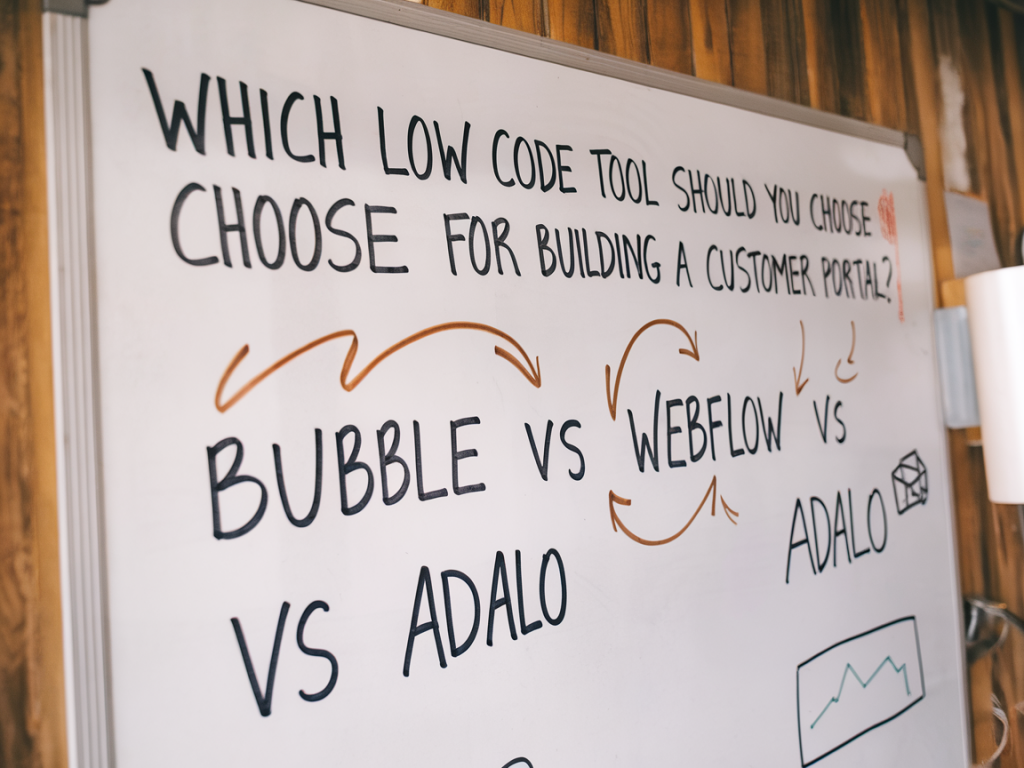
Building a customer portal is one of those projects where the choice of tool shapes not only how fast you ship but also how the product grows and how your team works day-to-day. I’ve helped teams and founders pick and prototype portals dozens of times, and when low-code is on the table the three names that keep coming up are Bubble, Webflow, and Adalo. They’re all “low-code” but they solve different parts of the problem.
In this piece I’ll walk through practical differences, trade-offs, and which tool I’d pick depending on your product goals, team skills, and long-term expectations. I’ll call out typical use cases, integration needs, costs, and the learning curve so you can match the tool to your specific scenario.
What I mean by “customer portal”
When I say customer portal I’m describing a logged-in space for customers to do things like view orders/subscriptions, update profiles, manage billing, access gated content or resources, submit tickets, and — increasingly — trigger self-serve actions. Some portals are simple account pages; others are full applications with workflows, data relationships, and integrations (billing, CRM, analytics).
High-level overview: Bubble, Webflow, Adalo
- Bubble — A visual programming platform that’s built for logic, data modelling, and full-stack apps. Great for complex workflows and custom behavior without writing backend code.
- Webflow — A design-first website builder with CMS and membership capabilities. Excellent for pixel-perfect UI, content-driven portals, and sites where marketing and design matter most.
- Adalo — Oriented toward mobile and simple web apps with an emphasis on drag-and-drop app building. Useful for mobile-first portals and quick prototypes that need native-like experiences.
Key decision factors I use
- Complexity of logic: Do you need complicated workflows, conditional actions, or custom business rules?
- Data model & relationships: Are you storing complex relational data (e.g., memberships, nested records, multi-tenant data)?
- Design fidelity: How important is fine-grained visual control and brand continuity?
- Integrations: Does the portal need payments, CRMs, analytics, SSO, or third-party APIs?
- Performance & scale: Expected traffic, number of users, and operations per minute.
- Team skills & velocity: Who will maintain it — designers, product managers, makers with no code skills, or developers?
- Budget & timeline: How fast do you need an MVP, and what can you afford for hosting/maintenance?
Bubble — When you need app-level logic and rapid iteration
I reach for Bubble when the portal needs non-trivial user flows: multi-step onboarding, permissioned content, heavy conditional logic, or complex CRUD operations. Bubble’s visual editor maps directly to database objects and workflows, so you can implement business rules (e.g., "if user is a pro subscriber show X") without jumping into server code.
- Strengths: Powerful workflow engine, built-in database, plugin ecosystem (Stripe, SendGrid, Airtable integrations), and good for iterating product logic quickly.
- Weaknesses: Design control is decent but not as pixel-perfect as Webflow; performance can require optimization for highly interactive apps; exporting code is not straightforward — you’re tied to Bubble hosting mostly.
- Best for: SaaS-style portals, admin dashboards, membership apps with custom permissions, and use cases where logic matters more than perfect typography or motions.
Webflow — When design and content-first experience is the priority
I recommend Webflow when the portal’s public-facing pages and brand presentation are key, and when you need a lightweight membership or gated content area. Webflow excels at visual polish, responsive layouts, and CMS-driven content. Recent improvements to Webflow Memberships and integrations make it possible to build simple customer portals with gated resources, account pages, and Stripe-based payments.
- Strengths: Top-tier design control, SEO-friendly output, seamless CMS for content, easy handoff to designers, and good performance for static pages.
- Weaknesses: Membership features are improving but remain limited compared to Bubble’s app logic. Complex data relationships and custom workflows often require external services (Zapier, Make, Xano) or custom code.
- Best for: Client portals that are content-first (knowledge bases, onboarding resources), marketing+product hybrids, and teams that need design fidelity and fast content updates.
Adalo — When you want mobile-first portals and quick native-ish apps
Adalo is worth considering if your customer portal is mobile-first — think apps where users primarily interact via phones, where you need push-like experiences, and when you want a simple data model with quick build cycles. It’s intuitive for makers who want a drag-and-drop mobile app that talks to a database.
- Strengths: Fast to prototype mobile flows, native app export options (though with limitations), and an approachable interface for non-technical builders.
- Weaknesses: Limited when it comes to highly customized logic or complex relational data. Integrations can be clunkier than Bubble’s plugin ecosystem, and scaling for many concurrent users can get expensive.
- Best for: Mobile-focused customer portals, simple membership apps, and teams testing product-market fit for mobile experiences.
Quick comparison table
| Characteristic | Bubble | Webflow | Adalo |
| Best fit | Complex web apps, logic-heavy portals | Design/content-first portals | Mobile-first simple apps |
| Data modeling | Strong, relational | CMS-focused, limited relations | Basic relational support |
| Custom logic/workflows | Advanced | Limited (needs external tools) | Moderate |
| Design control | Good | Best | Okay (mobile-centric) |
| Integrations & APIs | Strong plugin ecosystem | Good via Zapier/Make or custom code | Limited but improving |
Real-world scenarios & my recommendations
- You need a SaaS customer portal with granular permissions and billing: Pick Bubble. Its workflows and database make it easier to implement role-based access, subscription logic, and backend processes without stitching multiple services together.
- Your portal is content-heavy and must match brand design precisely: Choose Webflow. Use Webflow Memberships + an external auth or serverless backend for any custom data requirements. This keeps your marketing and product on the same platform.
- Your users live on mobile and you want a native-like experience quickly: Go with Adalo for an MVP. If requirements grow (complex logic, scale), plan a migration path to Bubble or a hybrid with a custom backend.
- You want to move fast and later iterate into a productized app: Start with Bubble for the MVP—its flexibility reduces the need to rebuild core logic later.
Integration patterns I often use
In practice I frequently combine tools:
- Webflow for marketing pages + Bubble for the logged-in app (using single sign-on or shared auth flows).
- Webflow front-end with Xano or Supabase as a backend for advanced queries and performance-sensitive tasks.
- Bubble as the primary app with Zapier/Make to push events to Stripe, HubSpot, or Slack for operational workflows.
Final practical tips (based on projects I’ve shipped)
- Prototype the critical path first: onboarding, payment, and the primary self-serve action. If that path is complex, prioritize Bubble.
- Think about data export and vendor lock-in. If you plan to migrate to a codebase later, design your data model with clear export paths (CSV, API).
- Consider hybrid architectures early: static marketing in Webflow for speed and SEO; app logic in Bubble or a backend service for scale.
- Factor in maintenance: who will own updates? Choose the platform that matches your team’s skills, not the one that looks cooler.
If you tell me what your portal needs to do (three core user actions, expected user count, integrations required), I can recommend a specific starting stack and a 4-week MVP plan you could execute without a full dev team.