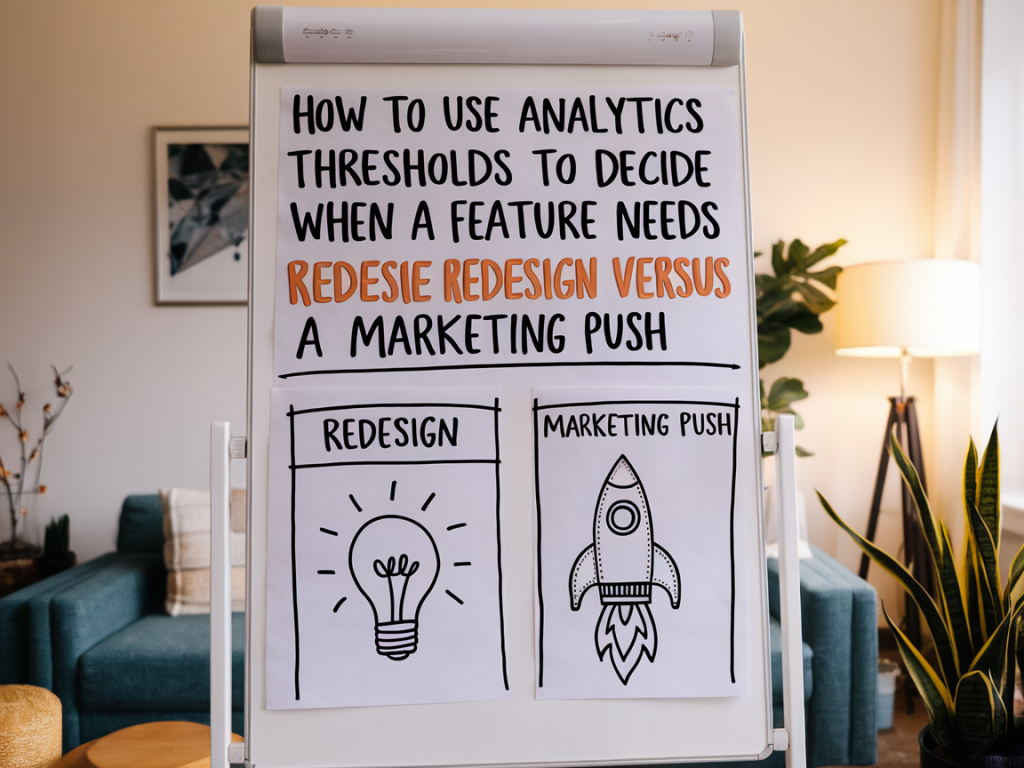
I often face the same dilemma when reviewing product analytics: a feature isn’t performing as expected, but is it broken, or is it simply undiscovered? Over the years I’ve learned that a clear set of analytics thresholds — combined with focused qualitative signals — turns guesswork into a repeatable decision process. Below I share the framework I use to decide whether a feature needs a redesign or just a marketing push.
Why thresholds matter (and what they aren’t)
Thresholds are not magic numbers. They’re decision triggers — practical cutoffs that help you move from debate to action. Without them, teams fall into three traps: endless debate, knee-jerk redesigns, or wasted marketing spend. With the right thresholds, you can answer simple but critical questions fast: is the feature being discovered? is it being used correctly? does it deliver value when used?
Important caveat: thresholds should be tailored to your product, traffic, and business model. What works for a SaaS onboarding flow won’t map to a marketplace or a consumer mobile app. Use the numbers below as a starting point and iterate.
Core metrics to track
Before you set thresholds, pick a clear, measurable KPI for the feature. Common choices:
Each of these answers a different question. Discovery tells you whether users even know the feature exists. Activation tells you whether the feature is understandable and valuable in the short term. Repeat usage indicates sustainable value.
Suggested thresholds and what they imply
Below is the simple table I use in early audits. Treat it as a hypothesis checklist you validate with experiments and qualitative feedback.
| Metric | Threshold (starter) | Interpretation |
|---|---|---|
| Discovery rate | < 20% of target users | Likely a visibility/marketing problem — prioritize awareness or UX entry points. |
| Activation rate | < 10–15% of exposed users | Users see it but don’t complete the first meaningful action — consider usability fixes or education. |
| Task success rate | < 60% | High friction; redesign the flow or remove blockers. |
| 7‑day return usage | < 15% | Feature isn’t sticky — question product-market fit or perceived value. |
| Feature-driven conversion (revenue) | < 1–2% lift | If marketing exposure is high but conversion lift is negligible, redesign to improve value or clarity. |
How I run the decision process
When a feature underperforms, I run through these steps quickly — the faster we get to evidence, the less time we waste on costly redesigns or ineffective promotions.
Decision rules I actually use
Here are the heuristics that usually determine my recommendation:
Examples from real work
Example 1 — a B2B dashboard feature. Discovery was ~12% for accounts that could benefit from the dashboard. We ran an in-product announcement and a segmented email campaign. Discovery jumped to 45% and activation rose from 8% to 20% — proving visibility was the main issue. We halted a planned redesign and invested in onboarding flows and templated reports instead.
Example 2 — a consumer app’s “share to save” feature. Discovery was 55% but activation was 6% and task success was 40%. Session recordings showed users hit a confusing permission dialog and abandoned. We implemented a clearer CTA and a simplified permission flow; activation doubled and success rose to 75%. That was a targeted UX fix, not a full redesign.
Quick experiments you can run in a week
How to avoid common pitfalls
Two mistakes I keep catching teams making:
Finally, keep thresholds visible. I add them to the feature brief and the analytics dashboard so stakeholders see when actions are triggered. This reduces meetings and speeds up experiments.
If you want, I can help you build a simple dashboard template with these thresholds or walk through a specific feature’s metrics and recommend the next experiment. I find a 2-hour audit usually surfaces whether you need a small UX tweak, a marketing push, or a proper redesign.